Additional Scan Features
These are minor features that can be accessed directly from the scan screen.
Exclude Skills & Keywords
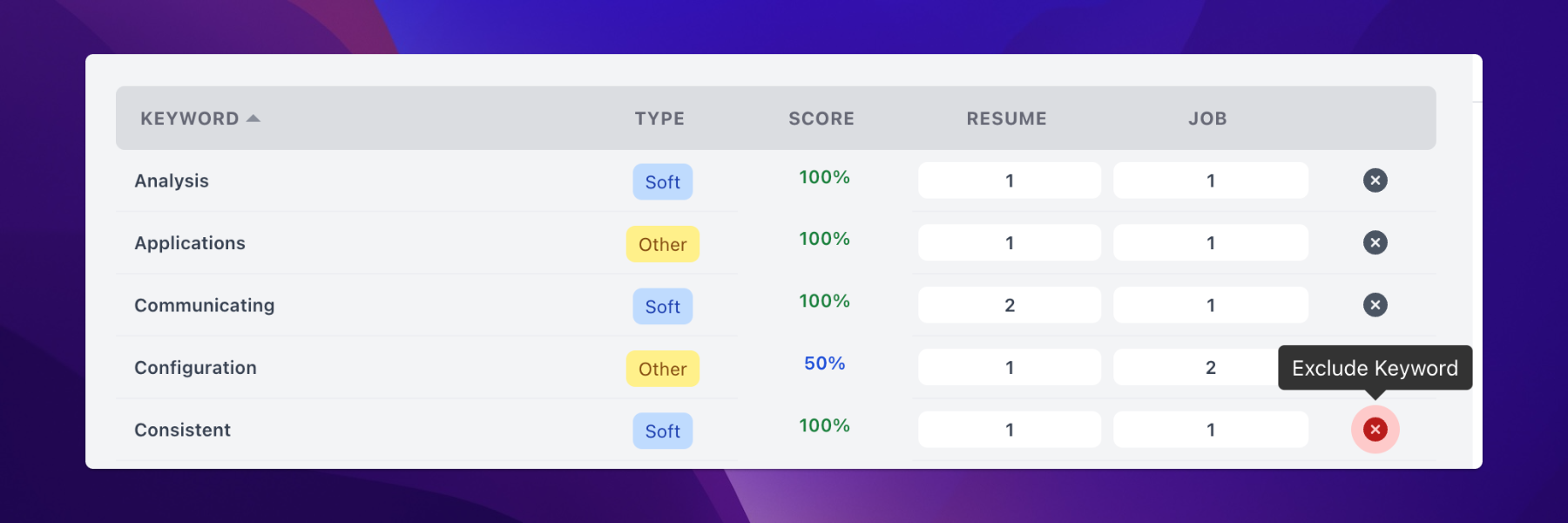
Click the "X" button to the far right of a skill to exclude it from scoring. This allows you to refine your match results by removing irrelevant skills.
Edit Job Details
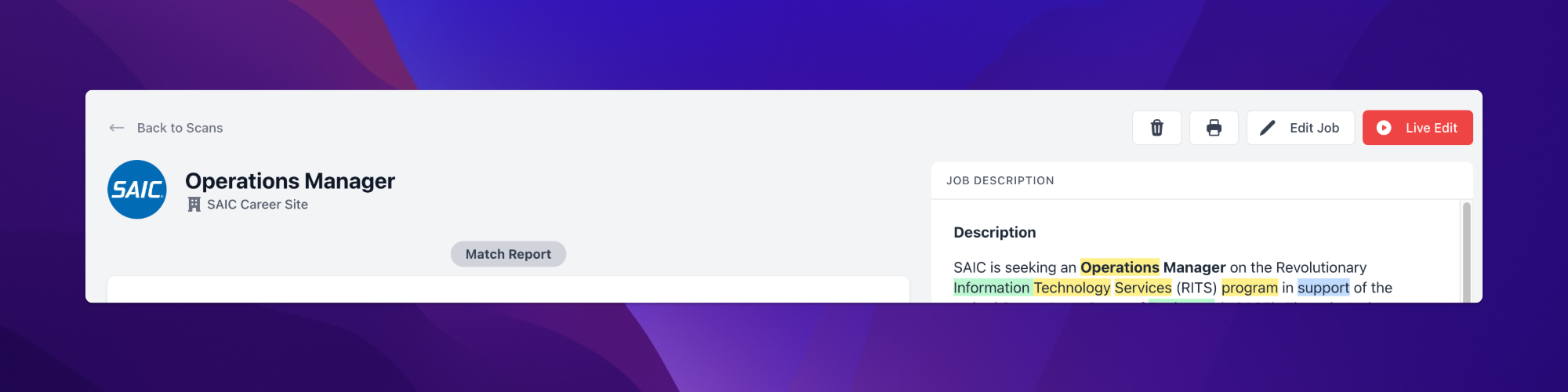
Edit the job title, company name, and job description directly within the scan by clicking on "Edit Job" in the top-right corner. This makes it easy to update job information as needed.
Highlight Skill in Job
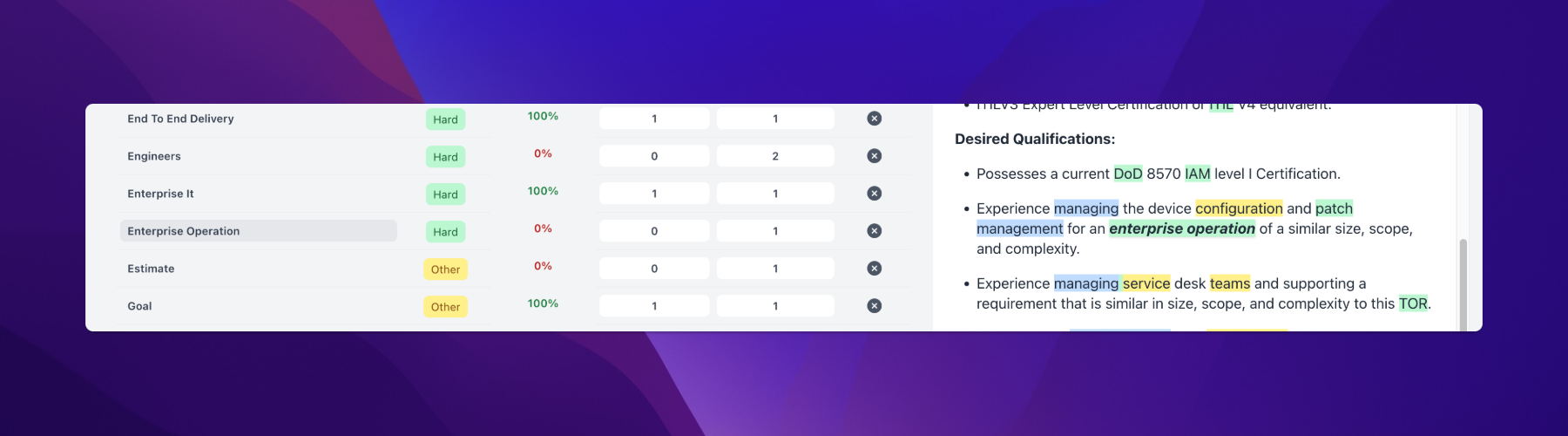
Clicking on a skill from the Hard Skills, Soft Skills, Other Skills section, or the keyword list will scroll to the corresponding keyword in the job description and bold it for visibility. If multiple instances exist, the closest match will be highlighted, while others remain bolded.