Creating a New Scan
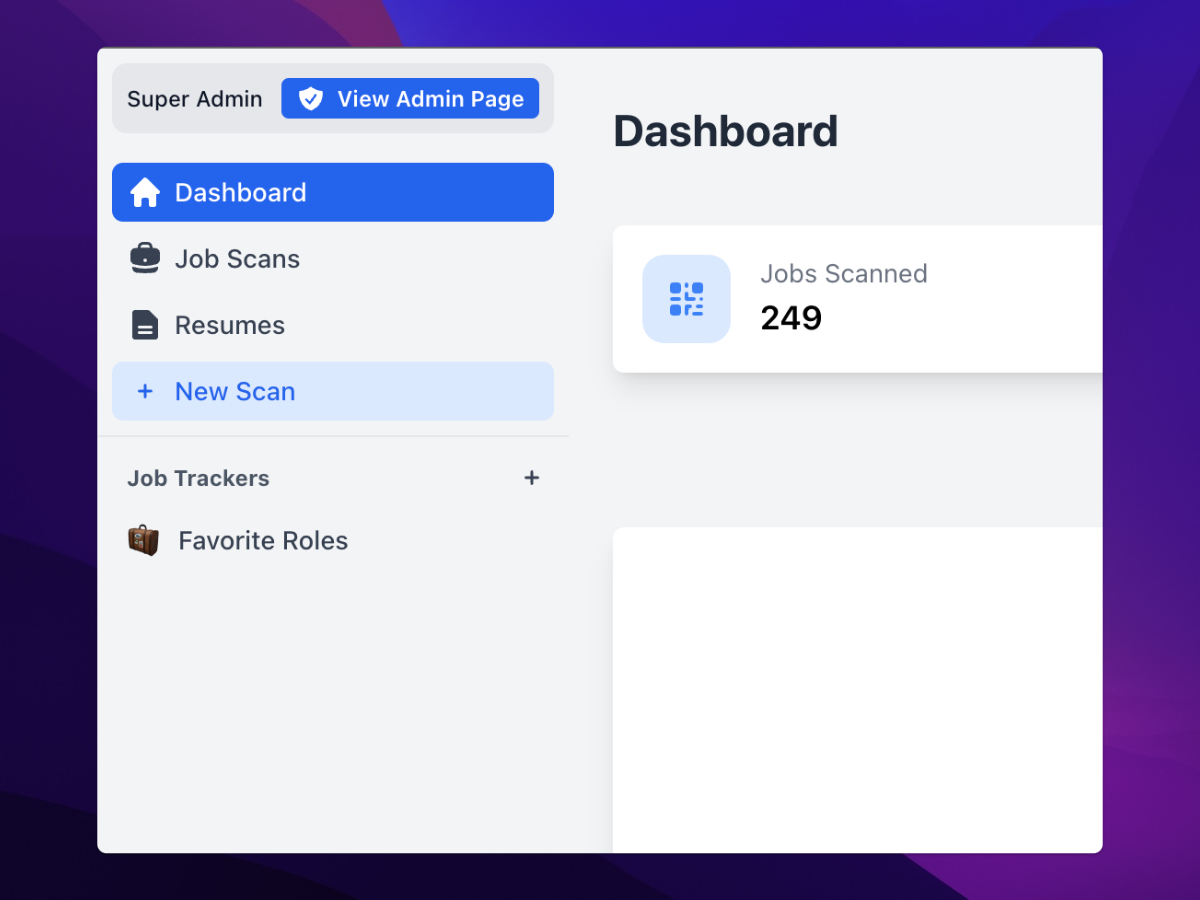
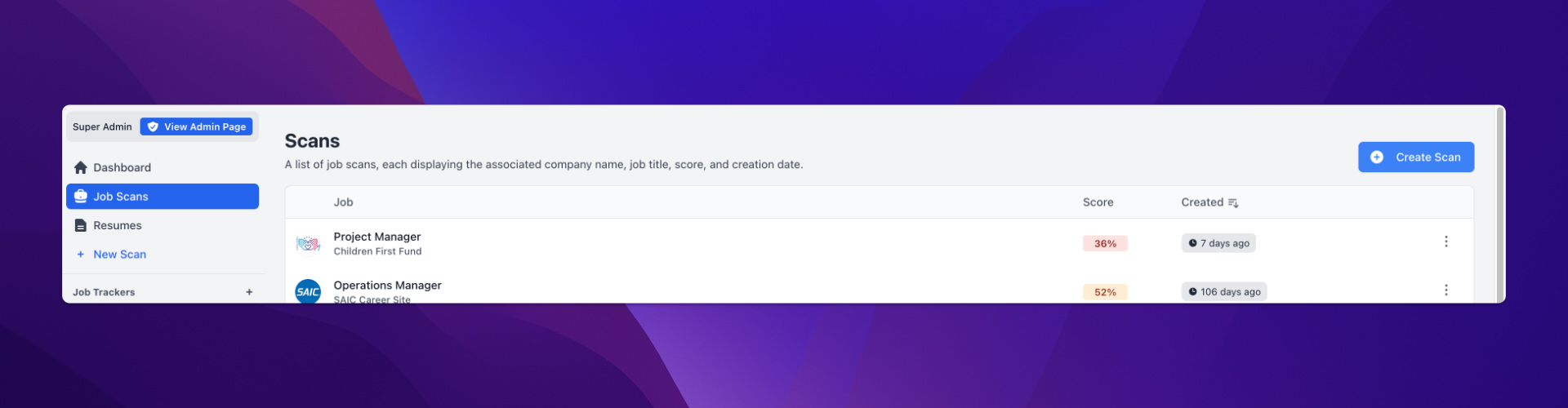
You can easily start a new scan directly from the Home Page or the Job Scans history page.
To create a new scan, you'll need two key pieces of information: a job description and your resume. You have the option to either upload or paste your resume directly into the platform.
Additionally, you can set a default resume within the Resumes section to be used automatically for all scans, making it easier to manage future job applications.
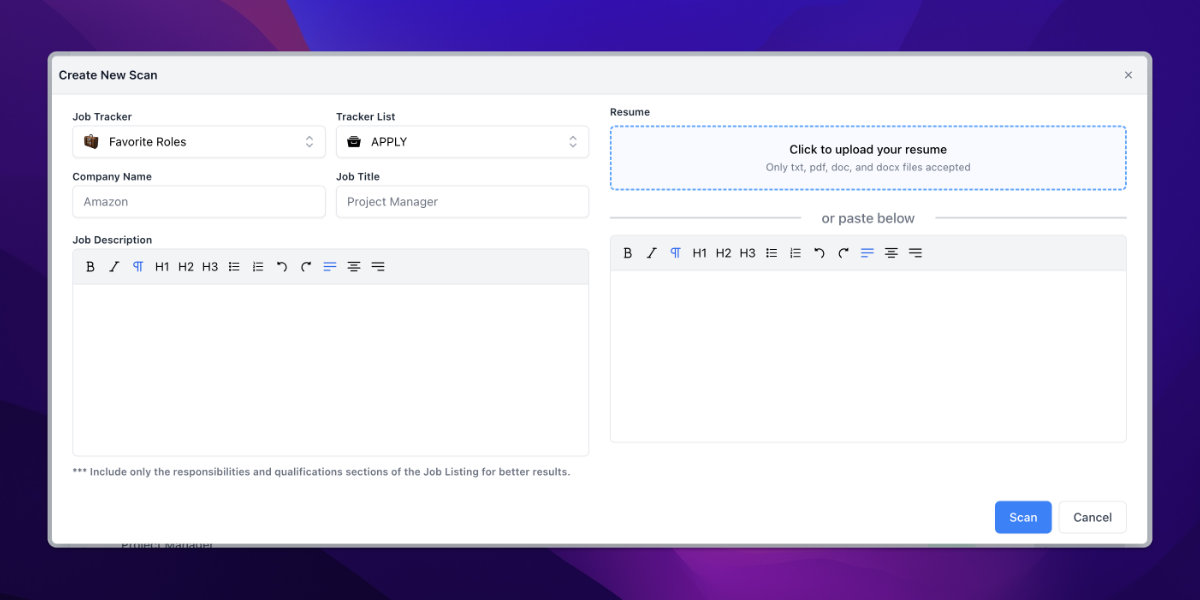
Please note that when uploading or pasting your resume, formatting may be lost. This is because most Applicant Tracking Systems (ATS) analyze resumes in plain text, so simpler formatting often yields better results. To optimize your chances, we recommend using a clean, straightforward resume format.
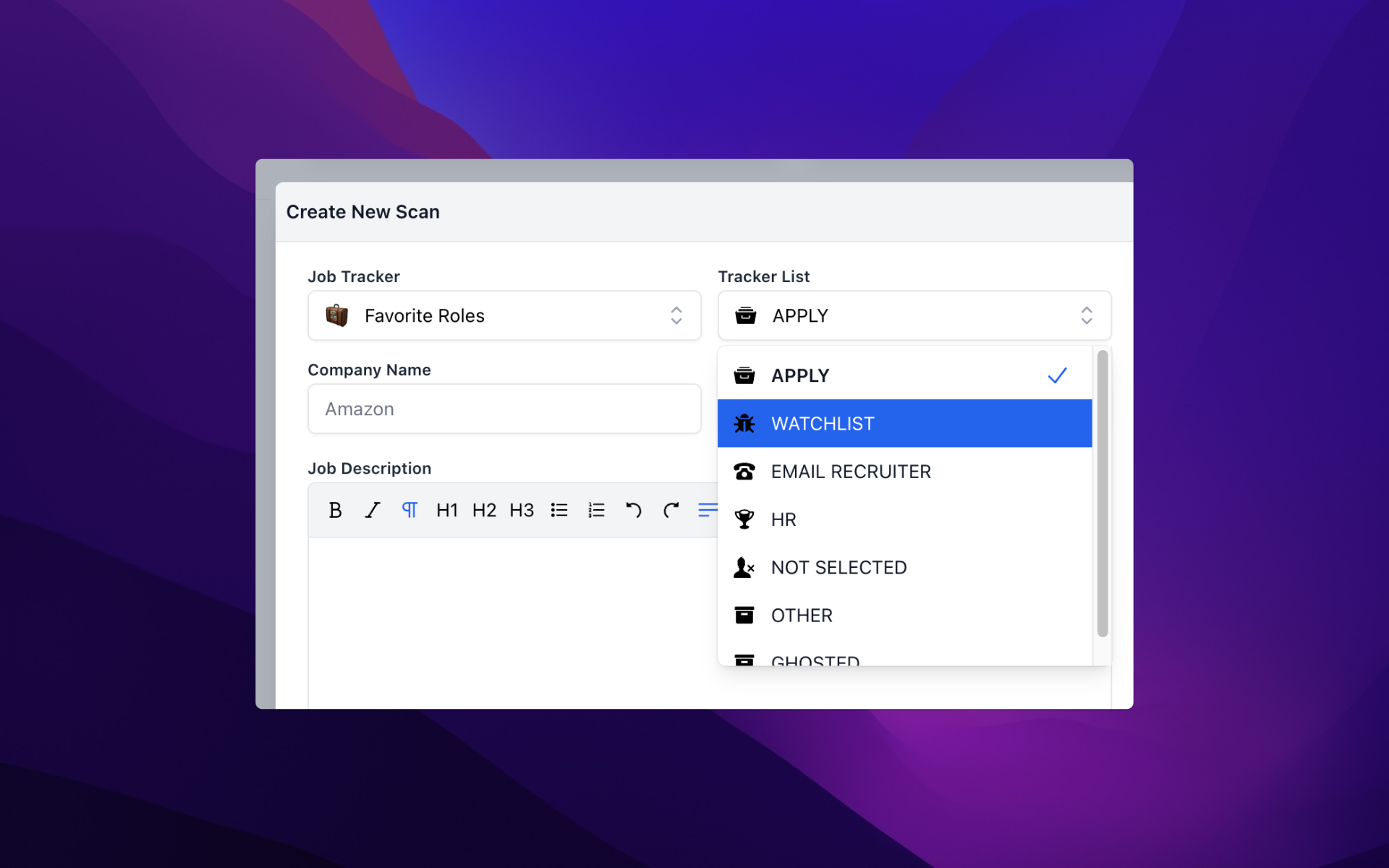
As part of the scan process, you'll also have the option to add the job title and company name. This is crucial for organizing your scans and allows you to track them effectively in the Job Tracker.
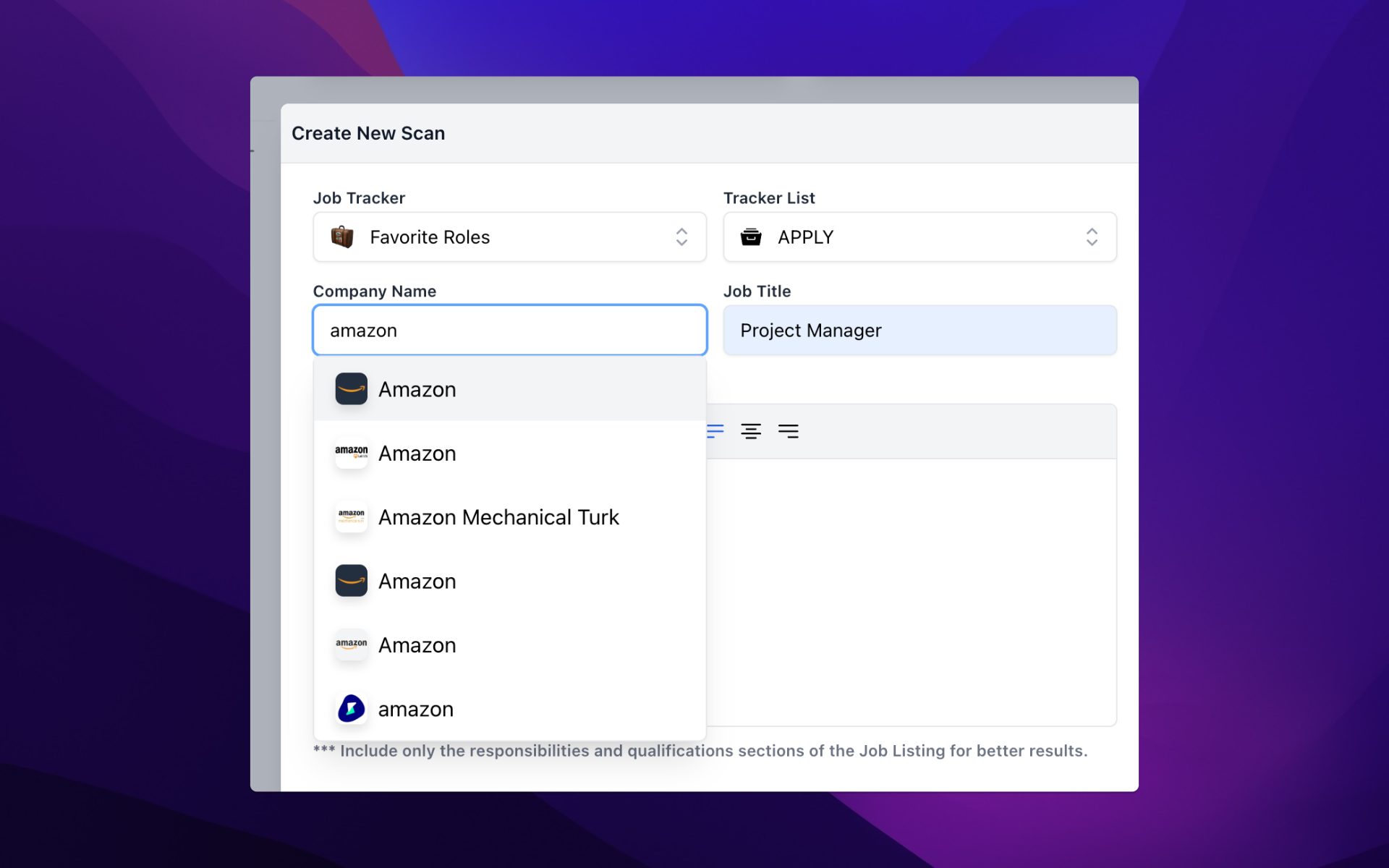
You also have the option to select a Job Tracker and the appropriate column within the board where your scan will be added. The Job Tracker functions like a Kanban board, helping you track the progress of your job applications in a visual, organized way.
Within seconds of clicking “Scan”, you'll receive a Match Report that outlines how well your resume aligns with the job description, providing instant feedback and actionable insights to improve your chances of landing the role.